
DMX WIRELESS TAG
Wireless DMX for permanent lighting. Put lamps on bridges, buildings and outdoor spaces where a cable can't reach, and always know they're working.
Wireless DMX, Where a Cable Can't Go
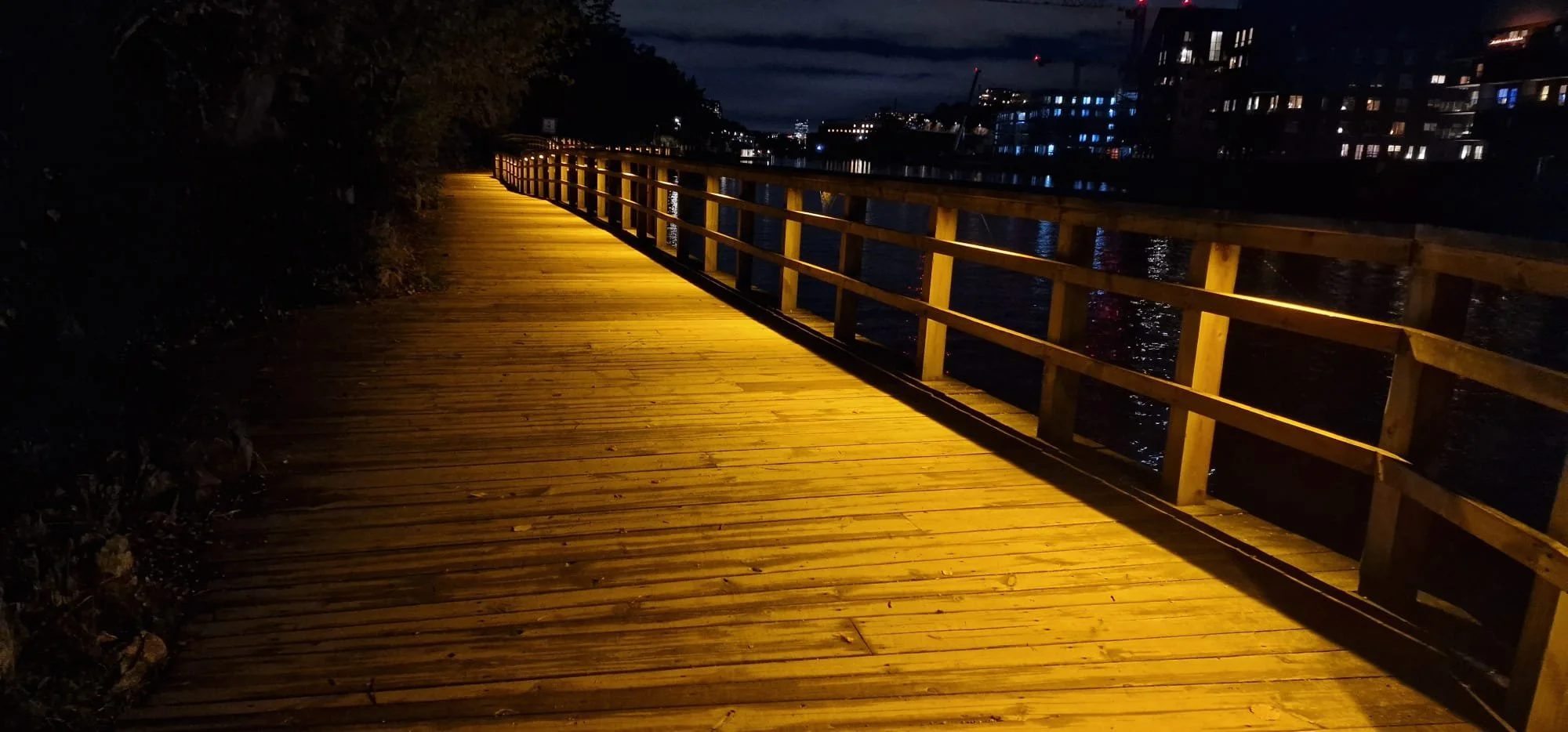
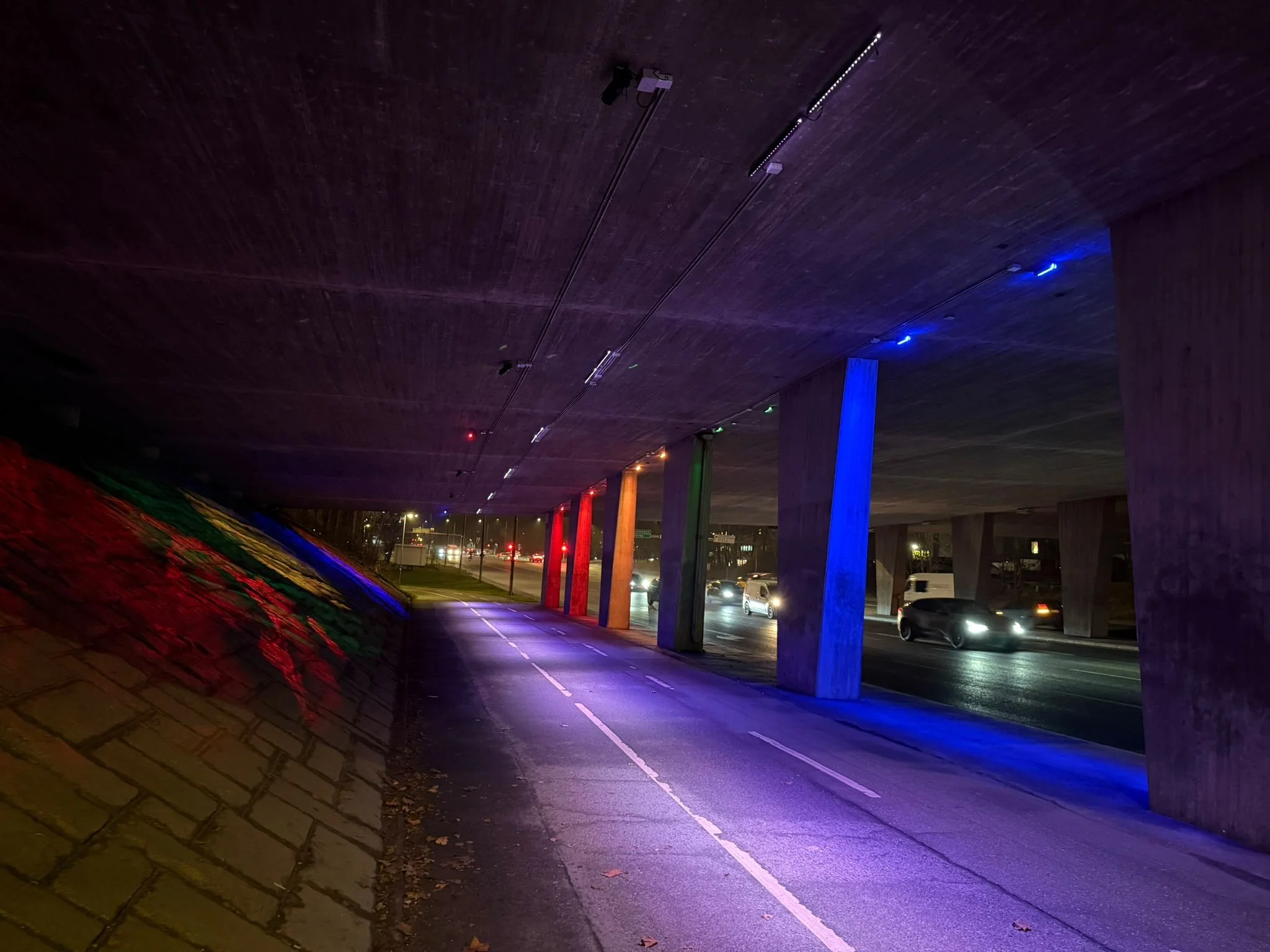
The DMX Tag takes the lighting from your DMX Controller over a two-way radio link and drives the lamps connected to it. Fit one across a river, at the top of a tower or on the far side of a road, and the lamps there play the same scenes, colours and effects as the rest of the site, in step.
Each Tag is paired to its controller with a code unique to that Tag, and from then on it follows that controller only. Every Tag reports back all the time, so you can see how each one is doing on the controller, the online portal and the DMX Lighting app.
One Site, Every Look
How It Works
Fit: Mount the DMX Tag near the lamps. Connect the power and the DMX cable to the fixtures.
Pair: Type the pairing code from the Tag's label into the controller and press Pair. Then, within 30 seconds, hold the Tag's WAKE button for 2 seconds. Both lights turn green to confirm it's paired.
Light: The Tag starts sending the controller's lighting to its lamps straight away. Scenes, calendars and effects all come from the controller.
Key Features
Two-Way Radio: Every Tag Reports Back: Many wireless DMX systems only send, and never know whether anything heard them. Every DMX Tag answers its controller all the time with its signal, its temperature and whether its lamps are being driven. A Tag that stops is spotted within seconds, and your phone is told.
Changes Reach the Lamps Instantly: Every change goes out the moment you make it, so fades, chases and effects stay smooth and in step across the whole site. A dropped radio message never shows on the lamps
Interference-Resistant Radio: The Tag hops across the licence-free 2.4 GHz band, checks each channel is clear before it talks, and moves away from busy channels and nearby Wi-Fi by itself.
Lamps Hold Their Look: If the radio link is interrupted, the lamps hold their last levels until it returns. A new Tag keeps its lamps off until it has heard its controller.
See Every Tag, Anywhere: Each Tag's signal and status show live on the controller. The online portal keeps a history of every Tag's link, and the DMX Lighting app tells your phone when a Tag goes offline and when it is back.
Up to 35 Tags on One Controller: Light a whole site from one controller. Every Tag carries the full 512-channel universe, so each fixture simply uses its own address.
Status Lights You Can Read: Two full-colour lights show the signal strength and the DMX output at a glance, so you know the mounting spot is good before you leave site.
Built-In Radio Survey: Scan the radio band from where the Tag is mounted, straight from your phone, to choose the clearest position.
Sites Side by Side: Several sites close together each keep to their own Tags, without getting in each other's way.
AES-128 Encrypted Radio
Every radio message between the controller and its Tags is encrypted with AES-128 and signed. Nobody listening can read the lighting or the Tags' replies, and a Tag ignores anything copied, replayed or altered.
Paired by Code: Every Tag leaves the factory with its own pairing code on its label. A Tag pairs only with that code: no code, no connection.
Removed Means Removed: Take a Tag off a controller and it's locked out for good. It can only rejoin by being paired again with its own code.
Locked-Down Setup Pages: The Tag's setup pages need a sign-in. Passwords are never stored in plain text, repeated wrong attempts lock the sign-in, and the Tag signs you out when you leave it idle.
Wi-Fi Only When You Want It: The Tag's setup Wi-Fi stays off until you press its button, and switches itself off when you've finished. There's no Bluetooth and nothing left listening.
The DMX Lighting App
Check every site and every Tag from your phone. The DMX Lighting app installs straight from the web onto iPhone and Android, with no app store needed.
Every Tag at a Glance: Online or offline, signal strength, DMX output, temperature, and the Tag's status lights exactly as the Tag shows them.
Link History: How well each Tag has kept in touch with its controller over the last 24 hours, 7 days, 30 days or 90 days.
Alerts on Your Phone: A notification the moment a Tag goes offline, and another when it's back.
Lamp Finder: Flash any lamp or DMX channel from your phone to check which lamp is on which channel.
Scenes and Colour Play: Change the scene from anywhere, or try colours live on one lamp or a group.
Straight to the Site: Scan the QR sticker inside the cabinet and the app opens on that site. Every action is logged with who did it.
Web Configuration
No special software and no cables to plug in: everything is set up from a web browser on a phone, tablet or laptop.
On the Tag: A short press of the Tag's WAKE button turns on its own Wi-Fi. Sign in to see its radio link, DMX output and temperature, run a radio survey, set the brightness of its lights and update its firmware. The Wi-Fi switches itself off two minutes after you've finished.
On the Controller: Pair a Tag by typing its code, set the transmit power, and see which radio channels are in use. Each Tag's lights are mirrored live on screen, with a graph of how well it's answering.
Online: The online portal and the DMX Lighting app show every Tag on every site, from anywhere, over a secure connection.
Made for Permanent Lighting
The DMX Tag is built for sites where running a DMX cable means digging, drilling or crossing a road:
Bridges and river crossings
Building facades and towers
Parks, gardens and landscapes
Public art and heritage sites
Town centres and seasonal displays
Common Questions
-
The lamps hold their last levels until the link returns, and the controller, portal and app show the Tag as offline.
-
Yes. The radio steers around busy channels and nearby Wi-Fi by itself.
-
No. Every message is encrypted and signed, and a Tag only pairs with the code on its own label.
-
Your phone is told straight away. Fit a new Tag and pair it with the code on its label.
-
Yes, up to 35 per controller. Pair each new one with its code
-
No. Any phone, tablet or laptop with a web browser will do. The DMX Lighting app is there for monitoring and control.
Technical Specification
RADIO
Frequency Band: 2.4 GHz, licence free
Radio Link: Two-way, frequency hopping with listen before talk
Channel Management: Moves away from busy channels and Wi-Fi by itself
Transmit Power: 10, 25, 50 or 100 mW, set on the controller
Security: AES-128 encryption and signature on every message, replay protected
Pairing: Unique code on every Tag's label
Designed To: EN 300 328 (UK and Europe)
DMX
Output: DMX512, one full universe (512 channels)
Tags per Controller: Up to 35
Link Interrupted: Lamps hold their last levels
First Power-Up: Lamps stay off until the controller is heard
Hardware
Status Lights: Two full-colour lights and a Status Light
Controls: One button for setup, pairing and reset
Clock: Battery backed, set by the controller
Sensors: Temperature and air pressure
Power Supply: 50–277 V AC or 8–36 V DC
Enclosure and Protection: IP65
Dimensions: 100mm W x 100mm L x 60mm H
Operating Temperature: -40 °C to +65 °C
Setup and Monitoring
Setup: The Tag's own Wi-Fi and web pages, any phone or laptop, no app needed
Sign-In: Password protected, locks after repeated wrong attempts
Firmware Updates: From a web browser, with automatic fall-back
Phone App: DMX Lighting app, iPhone and Android
Online Portal: Status and link history for every Tag
Alerts: Phone notification when a Tag goes offline and when it's back
Works With: Vision Link DMX Controller
Plan Your Wireless Lighting
Tell us about your site and we'll help you work out how many Tags you need and where they should go.